Hook and demo: the short video format built for apps
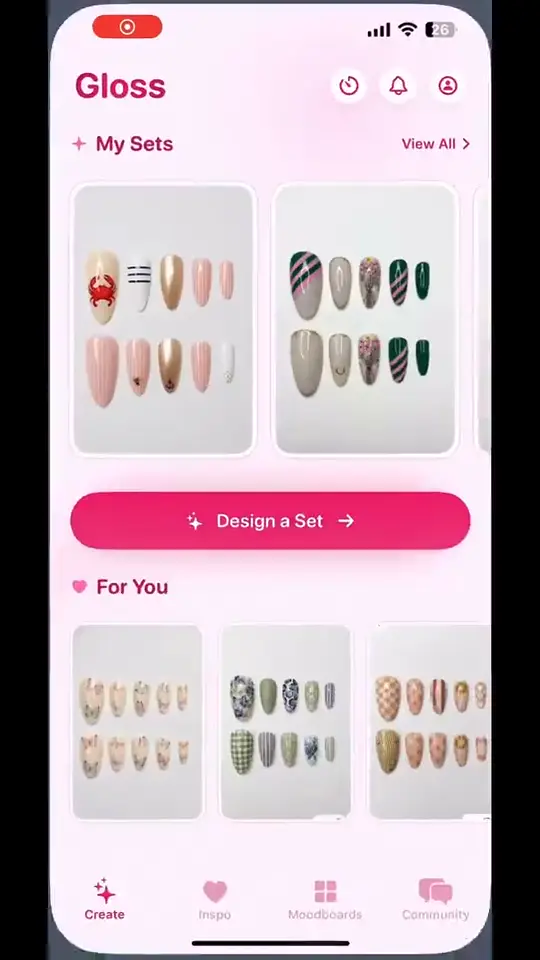
Short-form video rewards faces and movement in the first second. Most apps have neither: the product is a screen, and a screen recording on its own rarely stops anyone’s thumb.
The hook and demo format fixes that by splitting the job in two.
How the format works
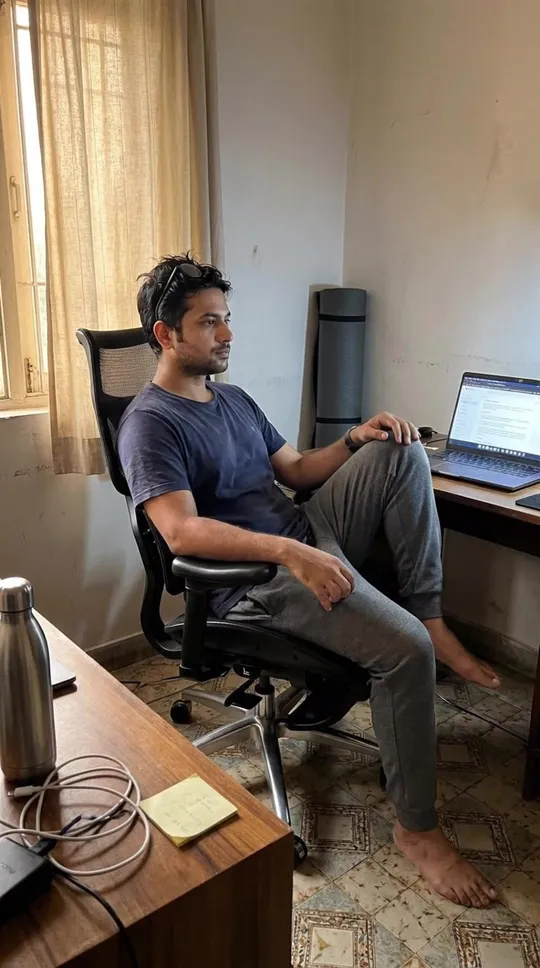
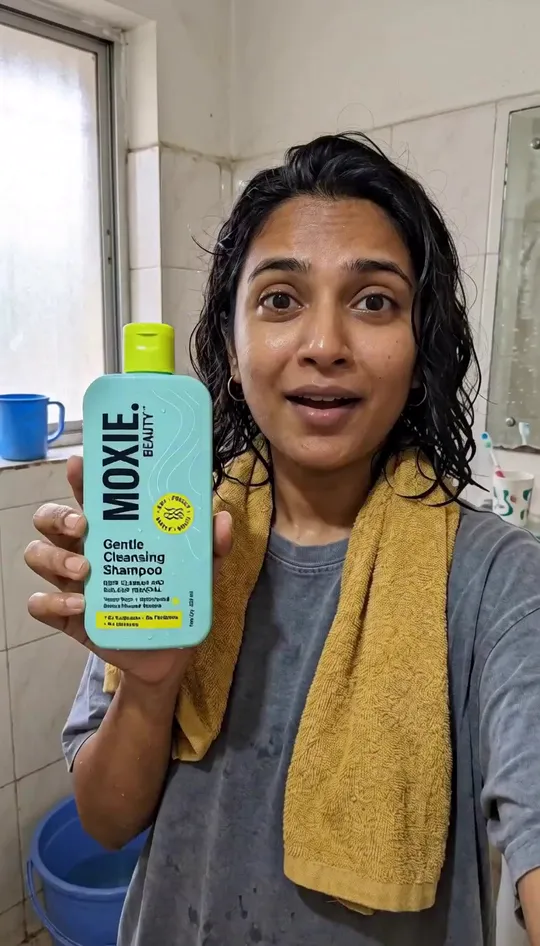
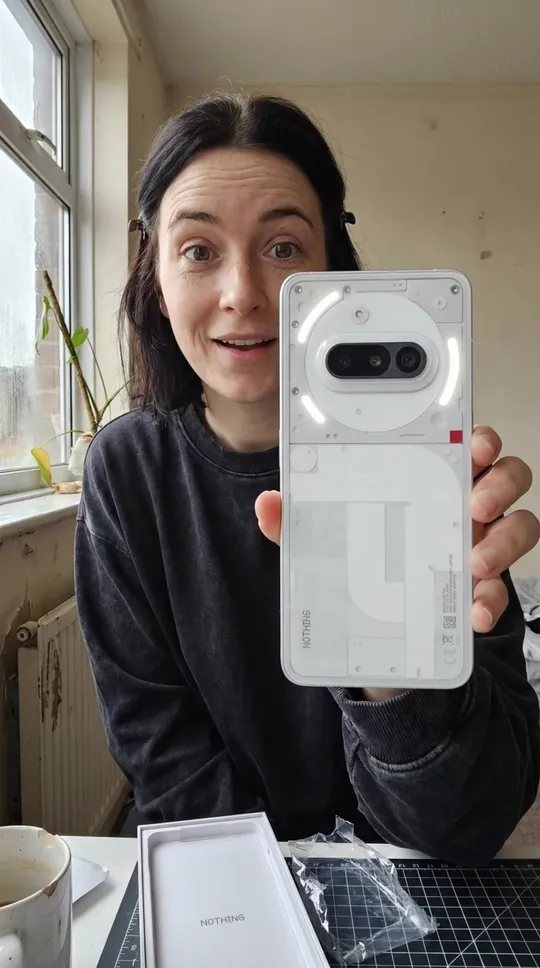
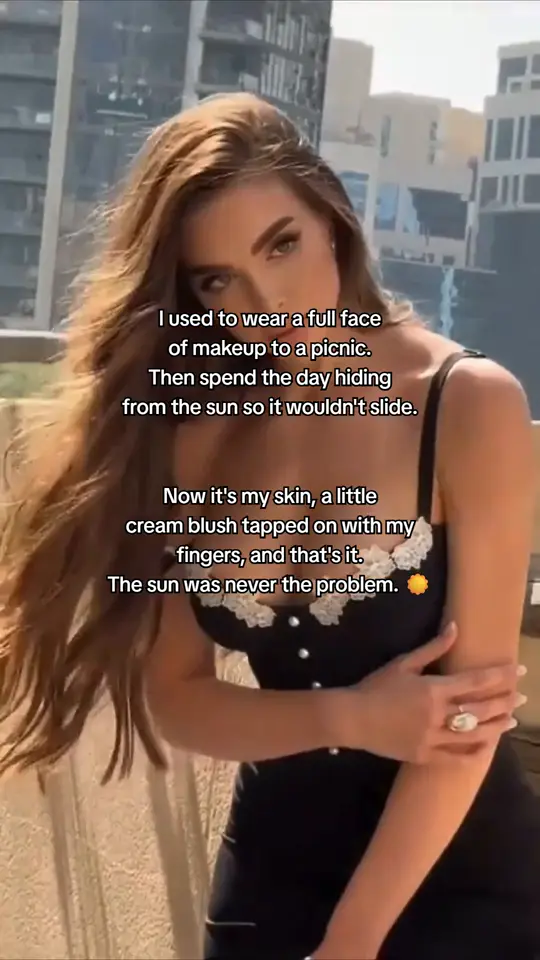
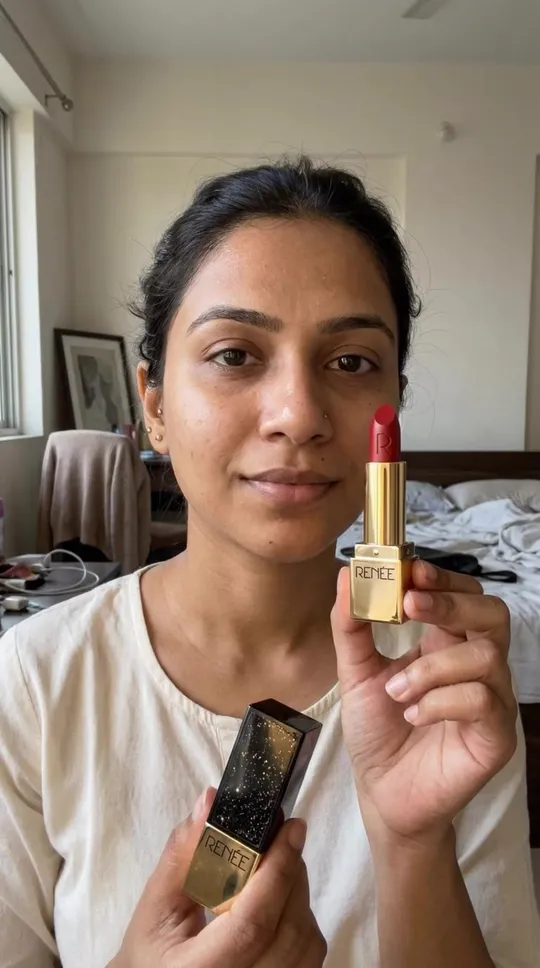
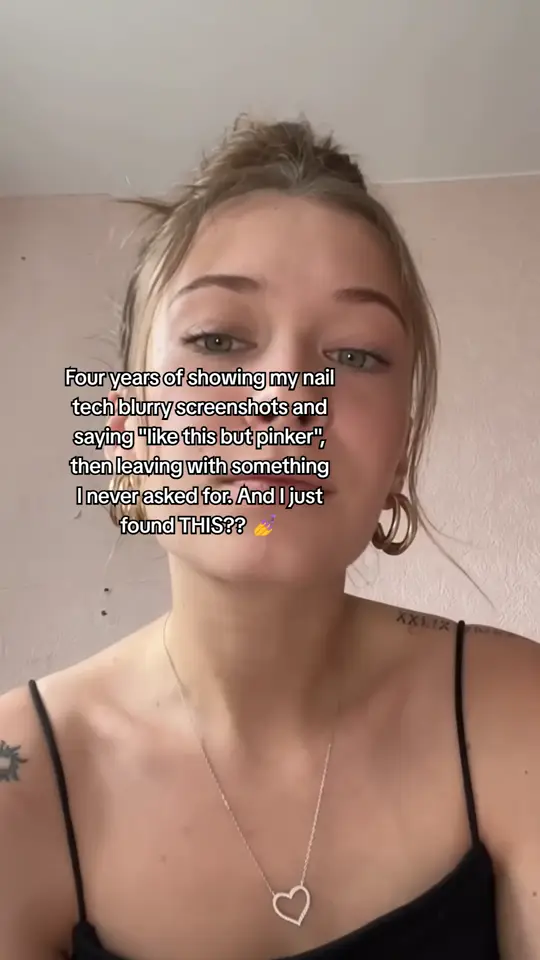
- The hook. A short reaction clip with a line written for your audience plays once. It’s the part that earns attention.
- The demo. Your own screen recording takes over and shows the app doing the thing the hook promised.
The caption only shows over the hook, one music track runs under both parts with a level for each, and the whole post stops at 60 seconds.
Record a demo that works
You record the demo once, so it’s worth getting right:
- Start mid-action. Skip the splash screen and the login. Open on the screen where the good part happens.
- Show one result. A finished habit streak, a budget that balances, a translated sentence. One payoff per demo.
- Keep it short. The hook has done the convincing. 15 to 30 seconds of demo is plenty.
- Hide the noise. Turn off notifications and use realistic sample data, not “Test User 1”.
Upload it as MP4 or WebM, up to 60 seconds and 100 MB. HEVC files won’t upload, so export as H.264 if your recorder offers a choice.
New hooks, same demo
This is where the format pays off. Your demo stays put, and every Burst deck pairs it with a fresh reaction clip and a new hook. One recording turns into a different video every day, and you learn which hook lines your audience responds to.
Write hooks from the user’s side
The best hook lines describe the moment before your app, not the app:
- “POV: you finally kept a morning routine for 30 days”
- “I tried every habit app so you don’t have to”
- “The one change that stopped me breaking streaks”
Mani writes them from your Brand DNA, and you can rewrite any of them before you keep the video.
See the format in action on the hook and demo page.
Questions
Hook and demo videos wait until you do. Your deck fills up with the other three formats in the meantime.
Yes. Footage that isn't vertical is shown whole, over a blurred copy of itself.
Keep reading
- Organic growth
How to post every day without filming a thing